Lesson 2
Running Python
Where can I run python
We are going to be using an online version of jupyter notebooks. This allows you to both run python code in segments and to use markdown to notate what you learn.
You can find the link here: Jupyter notebooks
Using Jupyter notebook
-
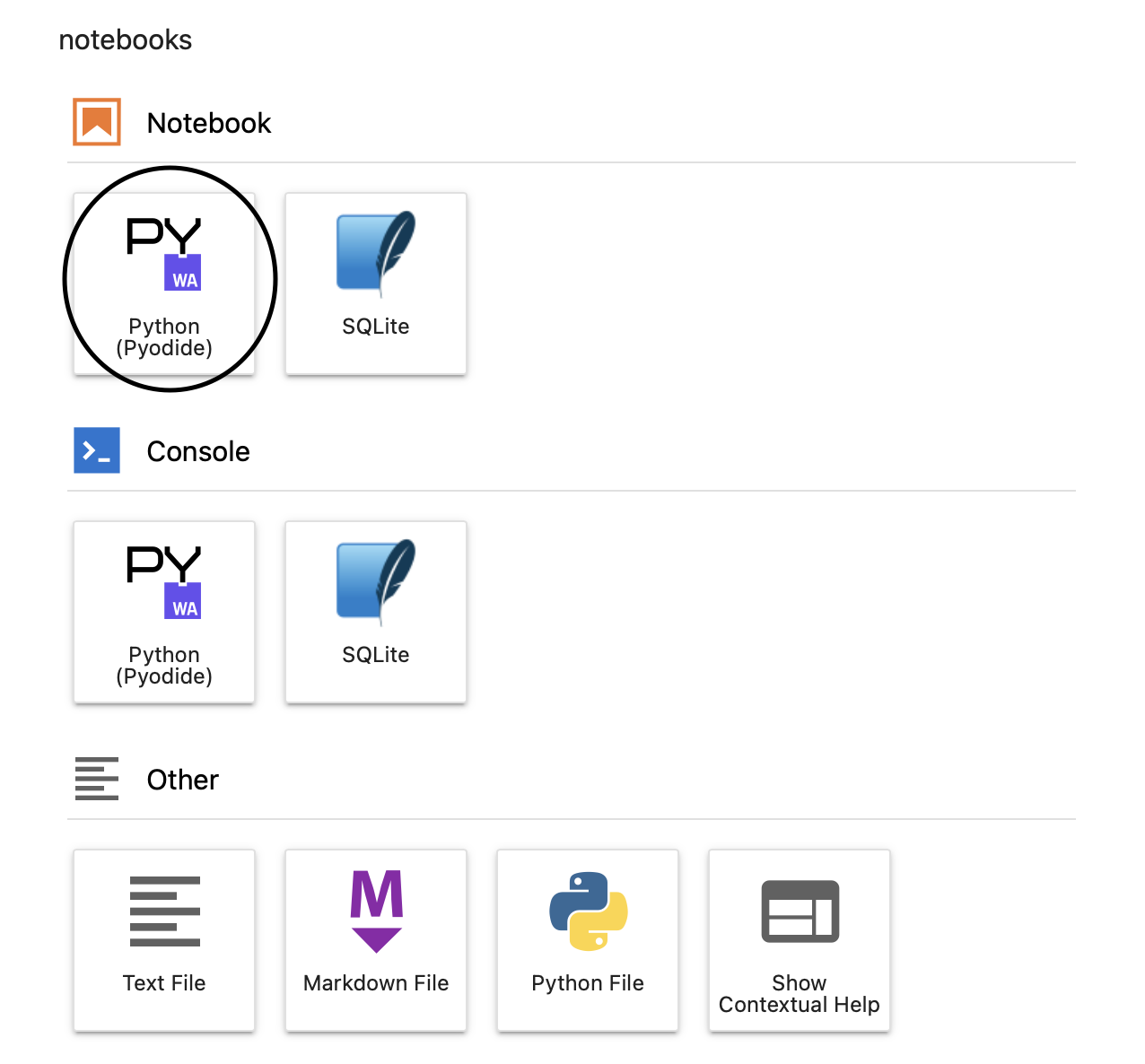
Open a new notebook
-
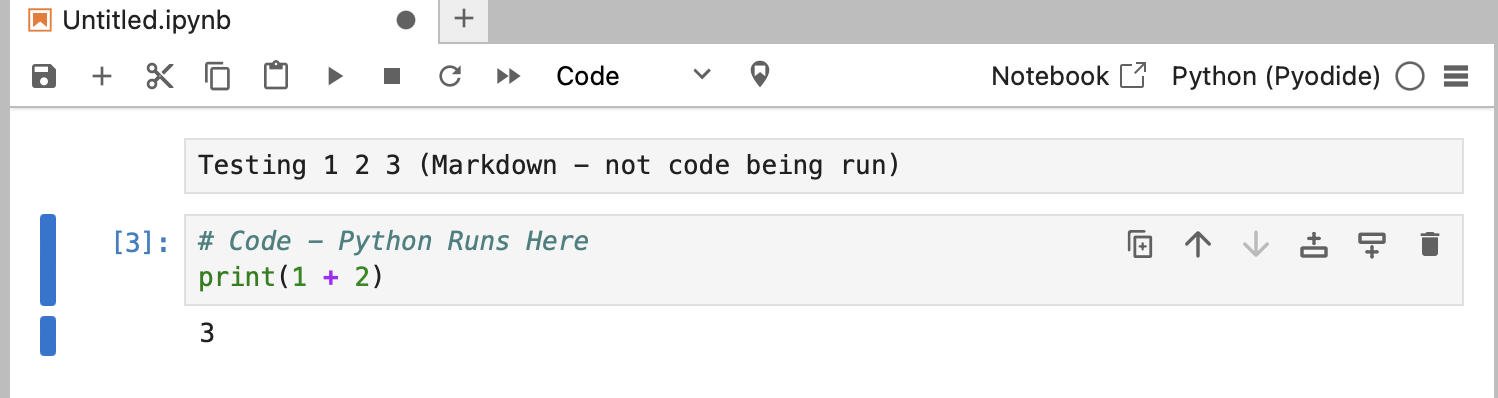
Practice making Code and Markdown sections
-
Practice running code Type the basic equation you see above and press Cmd + Enter (or the little triangle at the top) This allows you to run the code
For the remainder of this session anything you see in a code block - run it within a code section on your jupyter notebook
# This is a code block
print("Hello, World")